Start with what you remember.
A person, a phrase or an attachment. Type it into search and refine with the filters you can see.
 Letterslot
For Mac and iPhone. Now in public beta.
Find the email you mean. Choose who reaches your Inbox.
Keep your accounts together in an app that feels at home.
Public beta for macOS 26 and iOS 26 or later. TestFlight required.

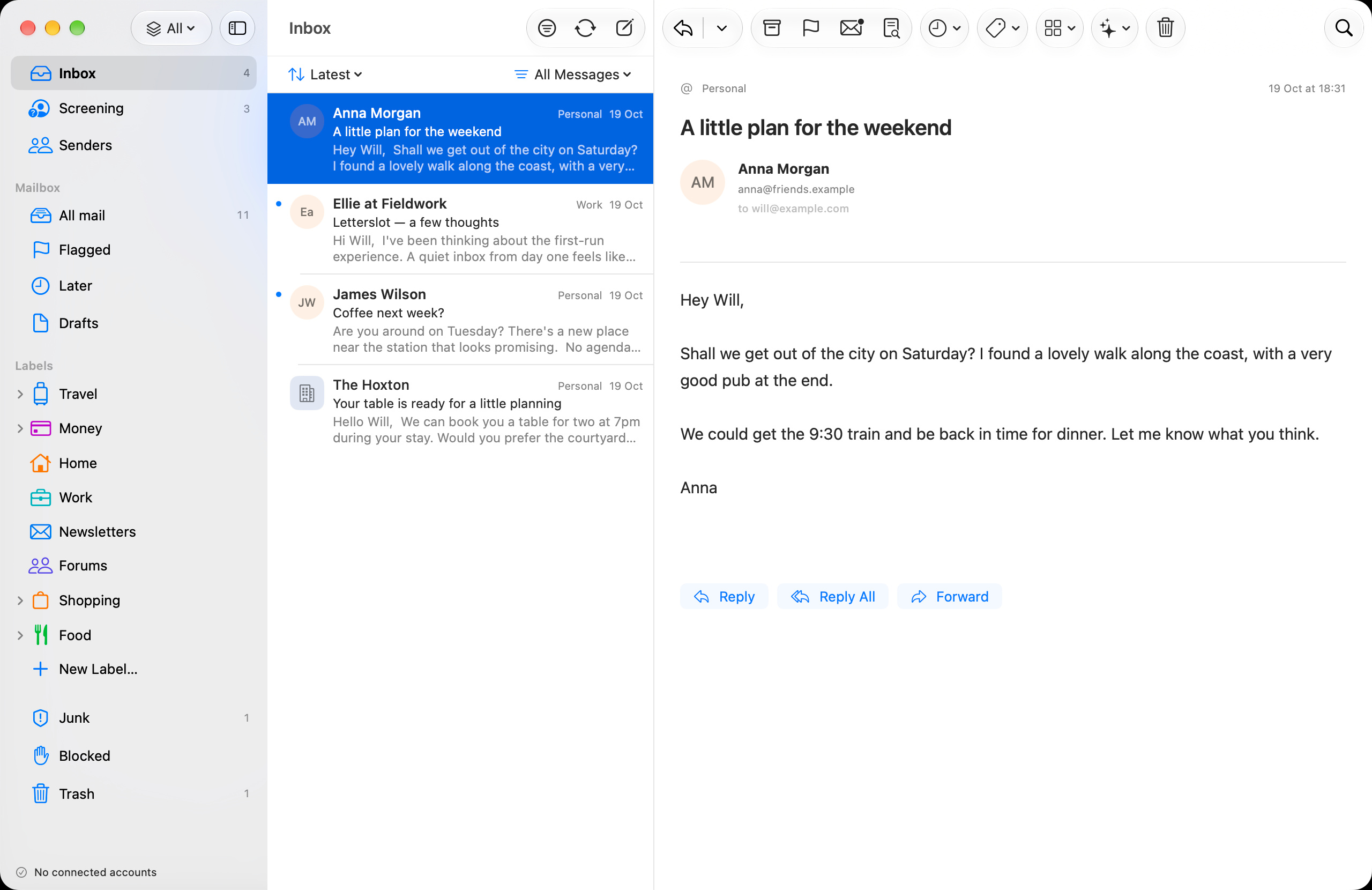
Use one Inbox or switch between accounts. Gmail connects through Google’s API; other accounts connect directly over IMAP and SMTP.
Outlook is next. Planned for mid-November 2026, about three weeks from our 24 October update.
Describe what you’re looking for. Letterslot combines text search, useful filters and on-device semantic matching to help you find it.

A person, a phrase or an attachment. Type it into search and refine with the filters you can see.
The local index and semantic model run on your Mac or iPhone. Search can also ask your provider directly for mail that isn’t downloaded.
Text and filters work independently. Semantic matching uses Apple’s English sentence model when it’s available on your device.
Unfamiliar senders appear in Screening. Accept them, skip the Inbox or block them. AI can explain a message; you make the decision.
Browse a sender’s conversations, receipts and updates in one place. Organise with nested labels without losing the sender’s history.
Rich text, attachments, inline images and signatures. Separate compose windows on Mac, with native editing, menus and keyboard shortcuts.
Downloaded mail opens from a local SQLite cache. Background sync and optional on-device processing run separately from reading.
Choose what happens when you swipe. Read, snooze, archive or trash — with your preferred actions on each side.

The app downloads mail directly from your provider. Messages, headers and attachments don’t pass through Letterslot’s servers.
Search and Apple Intelligence processing run on your device. Credentials stay in Keychain. The privacy policy explains storage, optional services and the planned IMAP notification connection.
Read the privacy detailsLetterslot public betaAvailable for Mac and iPhone through TestFlight.
Help shape what comes next.